Guide
How to Check Your Eviction History Before Applying
Pull your screening report, search JP court records, and check LexisNexis rental history to see what landlords see.

Before you apply anywhere, know what’s actually on your record. Renters who apply blind, without knowing exactly what will show on their screening report, burn hundreds of dollars in application fees at properties that were never going to approve them. This guide walks through pulling your own screening data — the same data landlords will see.
Three sources to check
Landlords typically see a combination of:
- Tenant screening report (SafeRent, CoreLogic, LexisNexis, etc.) — the primary source
- JP court records — some landlords check directly at the county
- Credit report — shows related debts, doesn’t show the filing itself
Check all three so you know what’s actually there.
Source 1: JP court records by county
Every eviction case in Texas is filed at a Justice of the Peace court in the county where the rental property was located. Each county maintains its own JP court records portal, most now searchable online.
Common Texas county portals:
- Harris County (Houston): Harris County JP Courts online records
- Dallas County: Dallas County JP Court case search
- Bexar County (San Antonio): Bexar County JP eCourt search
- Travis County (Austin): Travis County JP records portal
- Tarrant County (Fort Worth, Arlington): Tarrant County JP e-search
- Collin County (Plano, Frisco): Collin County JP records
- Denton County: Denton County JP portal
Search by your name and the address where you were living. You’ll see:
- Case number
- Filing date
- Court disposition (judgment, dismissed, nonsuited)
- Any amounts noted
- Case status
Print or save copies of any dispositions — especially dismissals — because you’ll want them when you apply.

Source 2: Tenant screening reports
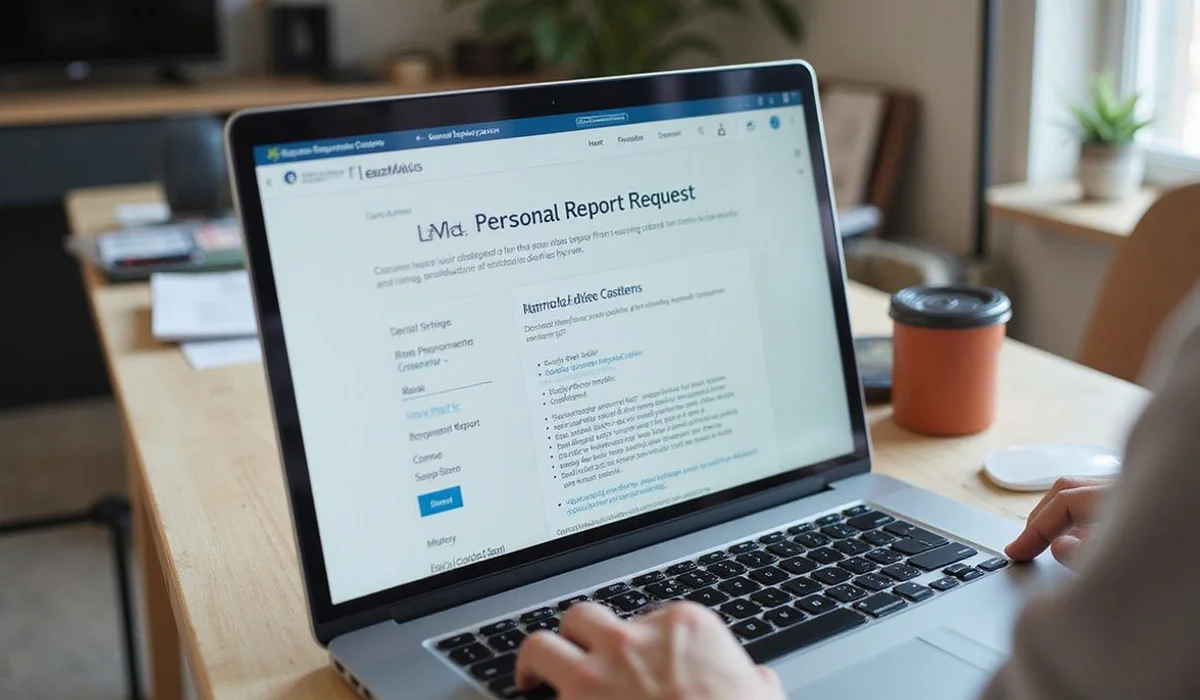
The FCRA gives you a free copy of your screening report from each screening company once every 12 months. If you’ve been recently denied, you’re entitled to a free copy from the screening company named in the adverse action notice within 60 days.
How to request from major companies:
- SafeRent (RealPage): SafeRent Solutions consumer file request; typically online form + ID verification
- CoreLogic Rental Property Solutions: CoreLogic consumer file request; online, mail, or phone
- LexisNexis Personal Reports: LexisNexis consumer disclosure portal
- TransUnion SmartMove: TransUnion consumer disclosure request
- Experian RentBureau: Experian consumer disclosure portal
You’ll need to verify identity — SSN, DOB, address history. Reports typically arrive within 5 to 14 days.
What to look for on the report:
- Balance status: paid, unpaid, in collections?
- Disposition: judgment, dismissed, nonsuited?
- Filing date: how old is it?
- Any duplicate or incorrect entries?
- Multiple filings on record?
Source 3: LexisNexis rental history
LexisNexis is the underlying rental history database that many screening companies pull from. Pulling your LexisNexis personal report separately gives you visibility into what most screeners are seeing.
Request through the LexisNexis Personal Reports portal. Look specifically at:
- Rental history entries from all past addresses
- Any adverse action notices logged
- Landlord-reported balances
If the LexisNexis data has errors, disputing there flows corrections to most downstream screeners.
What to do after you’ve pulled the reports
If reports show your eviction accurately and the situation matches what you remember:
- Understand your age band and balance status
- See which of our services match your situation (unpaid balance, balance paid, dismissed, over 2 years)
If reports show errors:
- Dispute inaccurate balance status
- Dispute incorrect disposition
- Dispute records over 7 years old
- See our FCRA dispute guide
If reports show no eviction at all but you were previously denied:
- The denial may have been based on credit, income, or another factor — not the eviction
- Request the specific adverse action notice from the property that denied you
Time it takes end-to-end
- JP court records: same day online (or a visit to the county clerk)
- Screening reports: 5 to 14 days per company
- LexisNexis: 5 to 10 days
- FCRA disputes if errors found: 30 days per company
Plan on 2 to 4 weeks to have a complete picture and any disputes filed before you start applying seriously.
Save yourself hundreds in application fees
Renters who apply blind spend $500 to $1,500 in application fees learning what could have been known upfront in 2 weeks of records checking. Do the checking. Then apply strategically.
Need help interpreting what you find? Fill out the form on our home page or call 808-213-6770 — a licensed agent will walk your file with you.
Frequently Asked Questions
Where is my eviction court record in Texas?
+
How do I pull my own tenant screening report?
+
Is checking my record free?
+
Related Guides
10 Mistakes Renters With Evictions Make on Applications (And How to Avoid Them)
The 10 costly mistakes renters with evictions make when applying — and exactly how to avoid each and stop wasting fees.
Can You Be Denied Housing for a Dismissed Eviction in Texas?
Why dismissed filings still appear and get renters denied — and how to prove the dismissal to leasing offices.
Can You Get an Eviction Expunged in Texas? (2026 Update)
Texas has no way to seal or expunge an eviction. HB 2909 died in committee. Why it's permanent and what to do instead.
How Eviction Records Work in Texas: Court Records vs. Screening Reports vs. Credit Reports
The three record systems untangled: JP court records (permanent), screening reports (7-year FCRA), credit reports (debt only).